Daily task organizer: 4 steps to make the most of your day
A simple method to organize your daily tasks: write it all down, prioritize, batch and review each evening. With examples and how to do it in Tasks4Us.
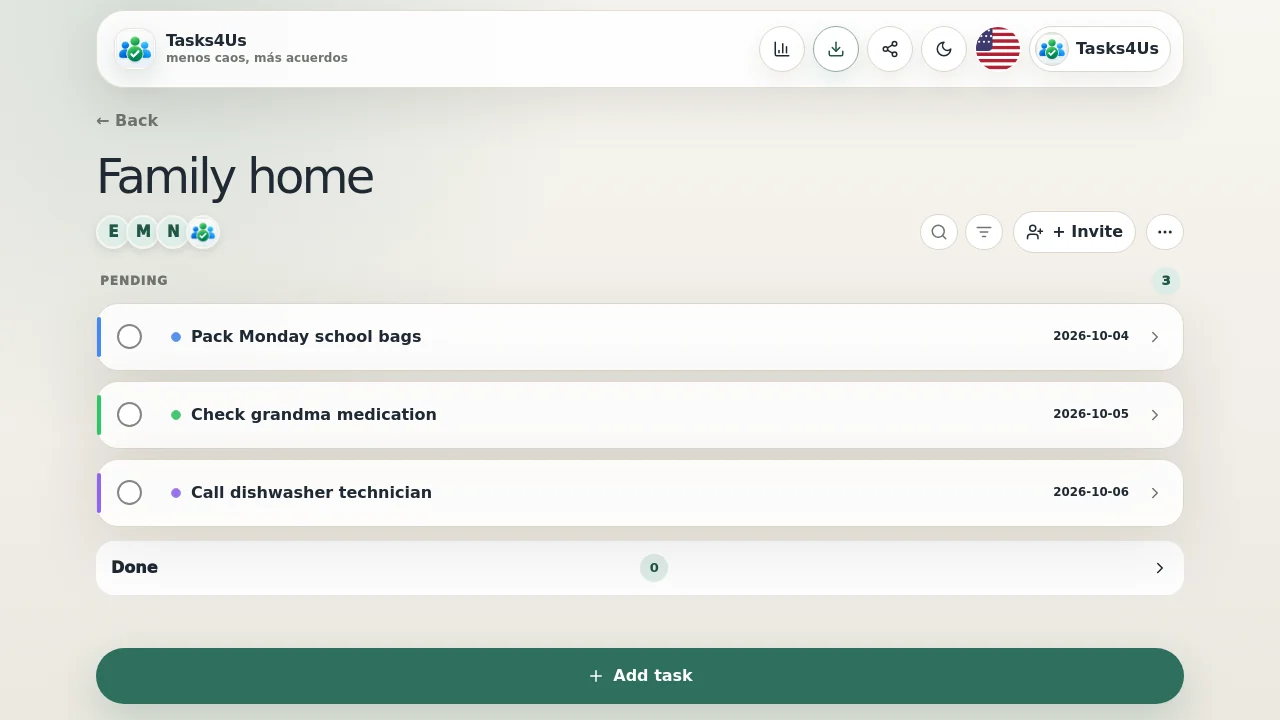
Tasks4Us works best when every group has one clear purpose: tasks, an item list or shared expenses. The examples below use real app screenshots in English, so the visual language matches this article.
Write down everything pending in one place
Spend five minutes getting everything on your mind out of your head: call the garage about the car inspection, book an appointment at the health center, buy your niece's present, return the parcel at the post office. Write each one as an action you can finish in one go: “call the garage” instead of “car”. If something has several parts, split it. Do not sort anything yet: what matters is that nothing is left out or scattered between your phone, a sticky note and the chat. In Tasks4Us each of those actions is a task inside a task group of your own, which you can use alone and create for free, with no card.
Prioritize: pick your three priorities for today
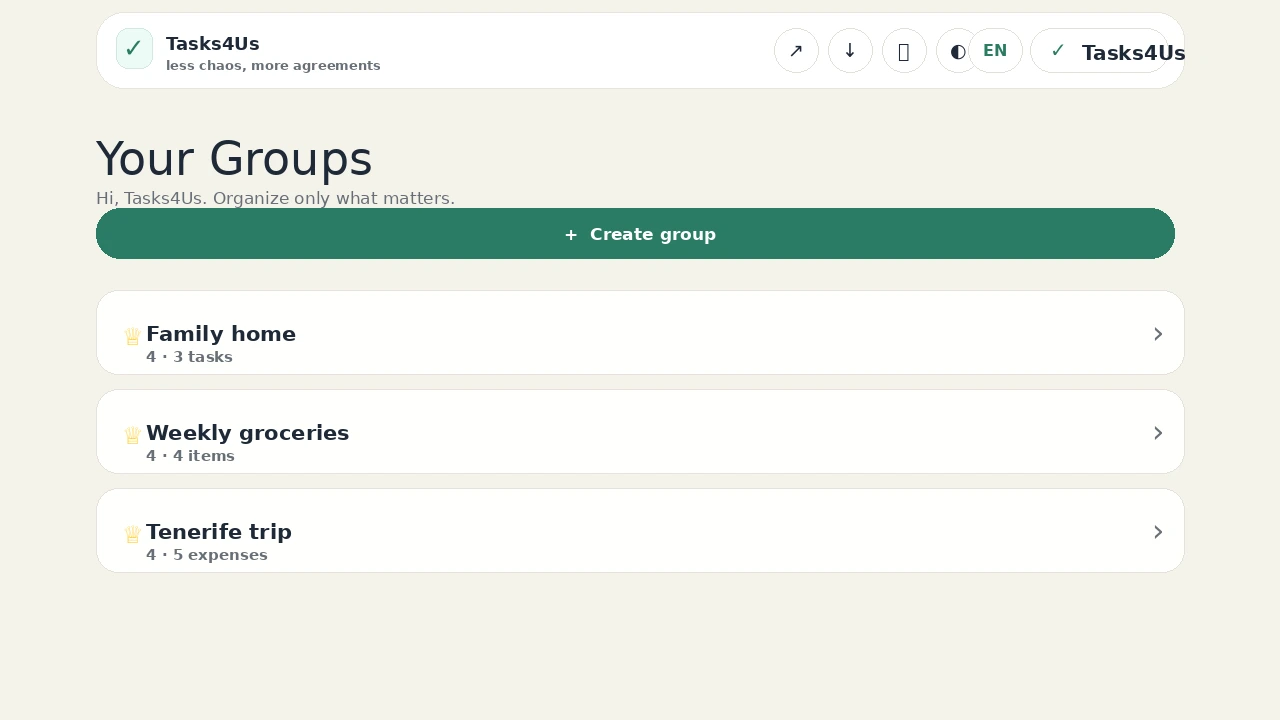
With the list in front of you, pick three priorities for today at most: the ones with a deadline or the ones that will complicate your week if you skip them. Paying the property tax before the deadline comes before tidying the storage room. Whatever does not fit today does not disappear: you give it the day it belongs to and it stops looking urgent. And if something always comes back, like taking the bins out on Tuesdays or paying the electricity bill, write it down once with a repeat. For example, a Tuesday could look like this: three priorities (pay the property tax, call the garage and book the health center appointment), one small task if there is time (return the parcel at the post office) and the usual one (take the bins out). In Tasks4Us every task takes a due date and a daily, weekly or monthly repeat, and pending tasks are sorted by the date they are due: you see what comes first, and what can wait further down.
Batch similar tasks and get them done in one go
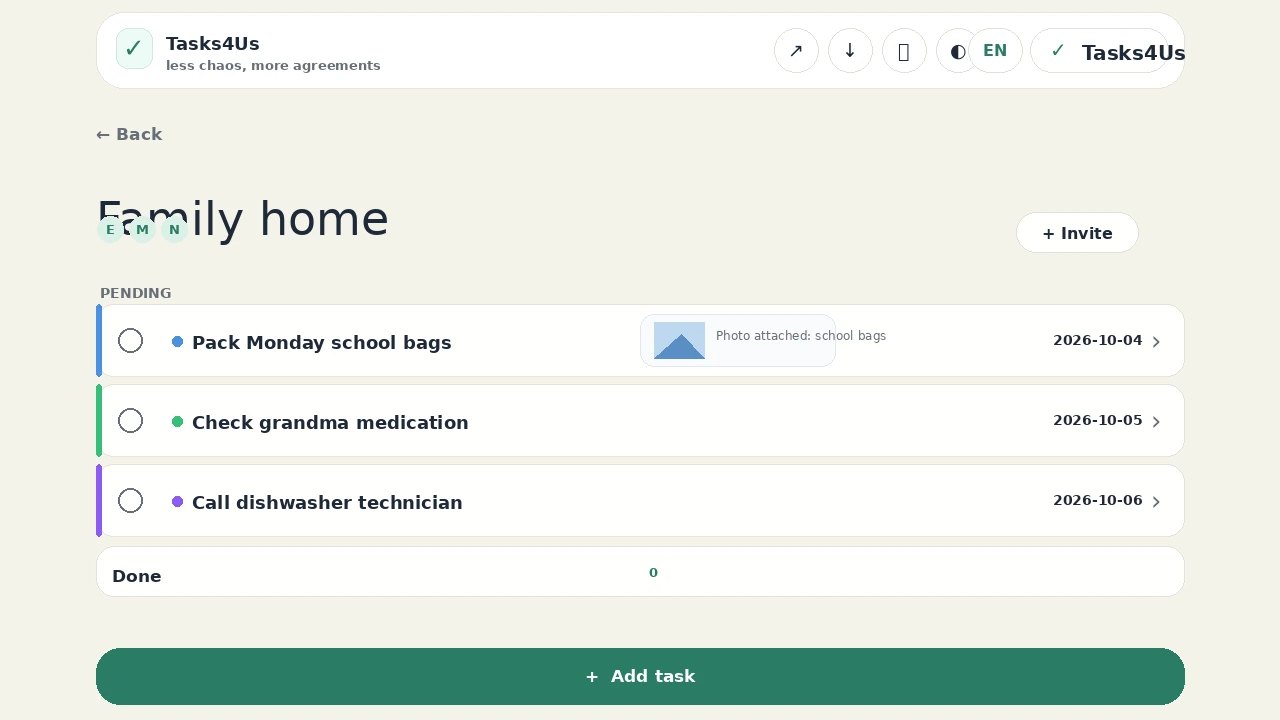
Jumping from one thing to another costs more than it seems. Put together whatever happens in the same place or with the same tool: calls, back to back mid-morning; errands, in a single trip out (pharmacy, dry cleaner and cash machine); online paperwork, in one sitting at the computer. That way you do not leave home three times or open the laptop for a single errand. In Tasks4Us you can give the tasks in each block the same color inside your group and attach the photo of the quote or the receipt to the exact task, so you do not have to hunt for it in your gallery later.
Review at the end of the day and set up tomorrow
Before dinner, go over the list in five minutes. Tick off what you have finished, even if it is not much: seeing progress helps you keep going. What you did not get to is not a failure, it is information: move it to another day or ask yourself whether it really needs doing. If a task has been jumping from date to date for three days, break it into something smaller or take it off the list. And leave tomorrow's three priorities chosen, so you do not start the day deciding. In Tasks4Us whatever you mark as done moves aside and only what is pending stays on top. If someone gives you a hand one day, invite them to the group and they see the changes as they happen.
Start with one shared group.
Create a task group, item list or shared-expense group and invite the people who need visibility.
FAQ
How many tasks should I plan for my day?
As many as really fit. A useful benchmark is three priorities and, at most, five or six small tasks around them. If you have tasks left over every night, you are not short of discipline: you are planning more than your day can hold. Trim the list until you nearly always finish it.
Is it better to organize my daily tasks on paper or in an app?
Paper works well for the first brain dump, because it is quick and free of distractions. The trouble starts with what repeats and what gets postponed: you have to copy it by hand every day and the notebook is not always with you. An app like Tasks4Us keeps the dates and the repeats, opens from the browser on your phone or computer and can be added to your home screen. Many people combine both: they jot things down on paper and move whatever has a date into the app.
What do I do with the tasks I do not get to finish?
Give them a new date during the evening review instead of leaving them floating. If a task keeps getting postponed, it is usually too big or too vague: turn it into a concrete first step, such as “get quotes from two painters” instead of “paint the living room”. And if, after thinking about it, it no longer matters, take it off the list without guilt.